
Download N1Bet for PC – Windows and macOS
The N1Bet desktop application delivers the full platform experience on Windows and macOS, covering sports betting, live casino, slots, roulette, table games, and game shows. It is free to download and matches every feature available on the web version, including account management, deposits, withdrawals, and promotions. Australian players get a faster, more stable connection to their favourite markets and games without opening a browser.
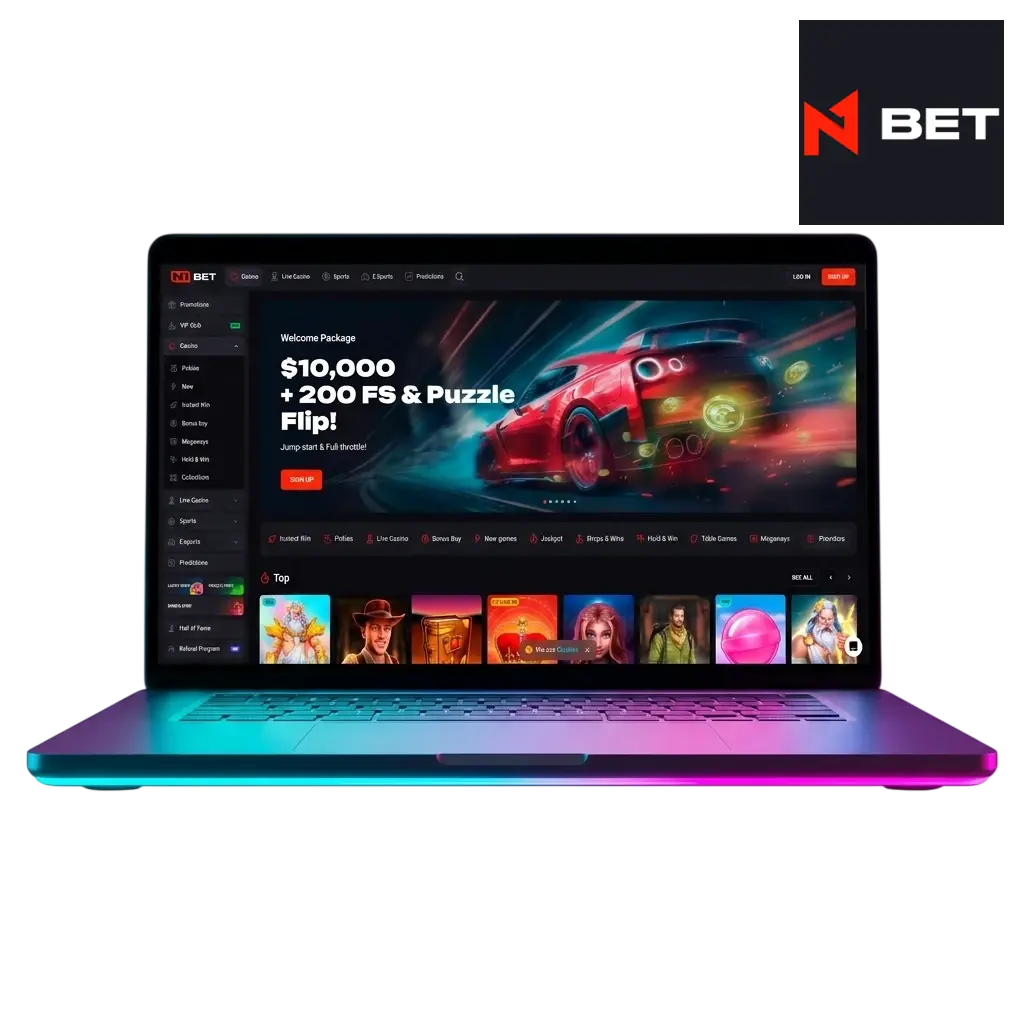
N1Bet PC Client Review
The N1Bet PC client is a dedicated desktop application that keeps your betting and casino sessions running independently of your browser, with a dedicated process for faster loading, no tab clutter, and persistent login across sessions.
| Detail | Information |
|---|---|
| PC Client Size | Approximately 150 MB |
| Available Languages | English, German, Finnish, Norwegian, Polish |
| Category | Sports Betting, Online Casino, Live Casino, Instant Games, Game Shows |
| Compatible with Windows | Windows 10, Windows 11 |
| Compatible with macOS | macOS 11 (Big Sur) and later |
Pros and Cons of Using the N1Bet PC App
Installing the N1Bet desktop client has clear advantages for regular players, though a small number of limitations are worth knowing before you get started.
| Pros | Cons |
|---|---|
| Dedicated process runs independently of your browser | Requires an initial download and installation step |
| Persistent login – no repeated sign-in between sessions | Takes up approximately 150 MB of local storage |
| Faster page loads due to cached assets and a native process | Not available as a native mobile desktop bridge for tablet users |
| Full access to sports betting, live casino, slots, and game shows | |
| Consistent layout and interface with no browser rendering differences | |
| Desktop notifications keep you informed of odds changes and promotions | |
| Works on both Windows 10/11 and macOS 11 and later |
How to Download and Install the N1Bet App on Windows
The N1Bet app for Windows is compatible with Windows 10 and Windows 11, requiring no advanced system configuration. Any modern PC meeting standard hardware requirements for those operating systems will run the client without issues.
Get the installer.
Click the download button on this page to save the N1Bet Windows installer file (.exe) to your computer.
Locate the file.
Open your Downloads folder and find the N1Bet setup file.
Run the installer.
Double-click the .exe file. If Windows prompts a security dialogue, click “Run Anyway” to proceed.
Follow setup steps.
Accept the licence agreement, choose your preferred installation directory, and click “Install”.
Launch the app.
Once installation finishes, click “Finish” or double-click the N1Bet shortcut on your desktop.
Log in or register.
Enter your account credentials on the login screen, or create a new account directly within the app to start betting.
How to Download and Install the N1Bet App on Mac
The N1Bet Mac application supports macOS 11 (Big Sur) through the latest macOS releases, covering all Apple Silicon (M1, M2, M3, M4) and Intel-based Macs produced from 2020 onward.
Get the installer.
Click the download button on this page to save the N1Bet macOS installer file (.dmg) to your Mac.
Open the disk image.
Locate the downloaded .dmg file in your Downloads folder and double-click it to mount the disk image.
Install the app.
Drag the N1Bet icon into your Applications folder as shown in the installer window.
Handle Gatekeeper.
If macOS displays a security warning on first launch, open System Settings, go to Privacy and Security, and click “Open Anyway”.
Launch from Applications.
Open Finder, navigate to Applications, and double-click N1Bet to start the client.
Log in or register.
Sign in with your existing account or complete a new registration directly in the app.
How to Register and Start Betting via the PC App
Creating an N1Bet account through the desktop client takes under three minutes and gives you immediate access to welcome bonuses, sports betting markets, and the full casino library. New Australian players are eligible for the welcome offer upon completing registration and their first deposit.
Open the app.
Launch the N1Bet client from your desktop shortcut or Applications folder.
Start registration.
Click the “Register” button in the top right corner of the app interface. You can also sign up using your Google or social account if that option is presented on the registration screen.
Fill in your details.
Enter your name, email address, date of birth, residential address, and a secure password. Select AUD as your preferred currency.
Verify and activate.
Confirm your email address via the verification link sent to your inbox, then log in to the app and make your first deposit to activate your account and claim the welcome offer.
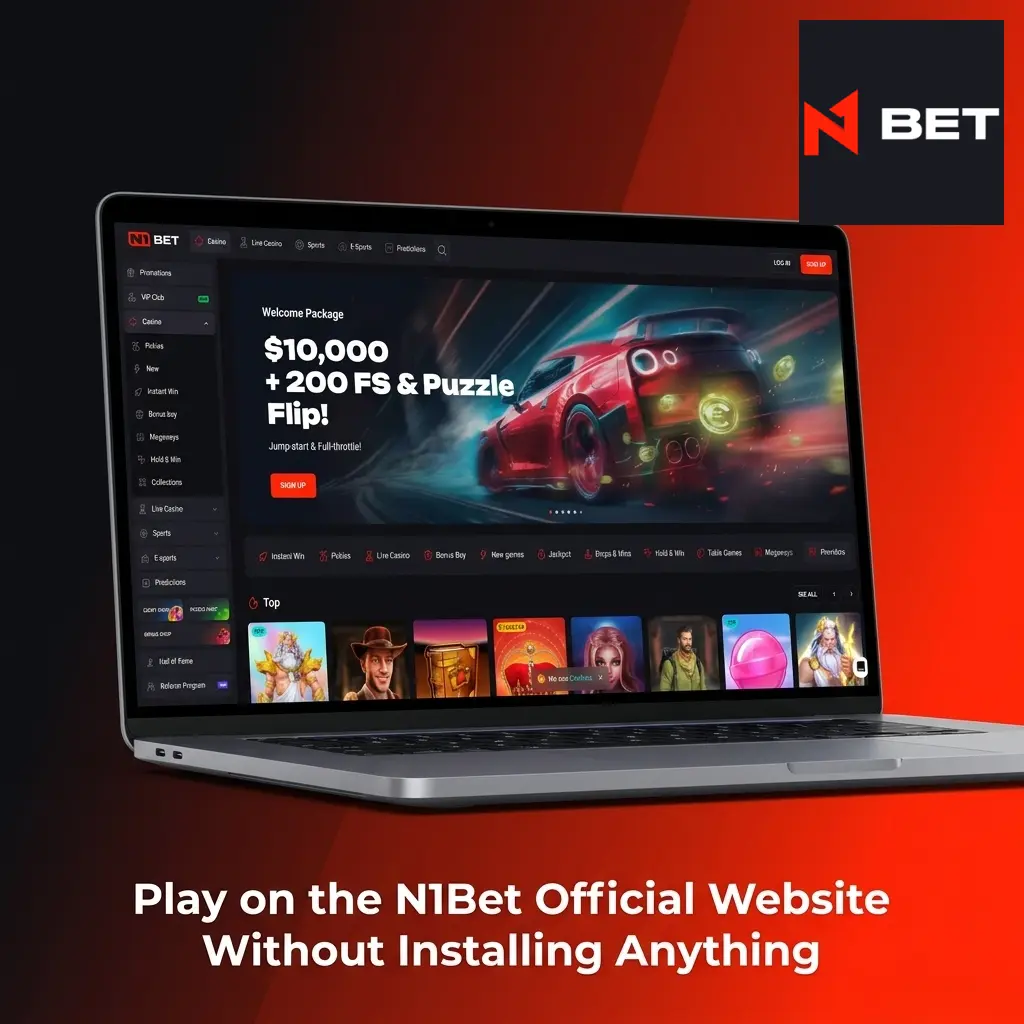
Play on the N1Bet Official Website Without Installing Anything
Installing the desktop app is entirely optional. The N1Bet website runs in any modern browser on Windows and macOS, with no download or plugin required. Every feature available in the PC client, including live betting, casino games, promotions, and account management, is accessible directly through the browser version. Australian players who prefer a no-install setup can visit the official site, log in, and start playing within seconds.
N1Bet Support for Desktop Users
N1Bet provides dedicated customer support for desktop users through multiple contact channels, available around the clock. The table below lists every available method and how to reach the support team.
| Support Method | Details |
|---|---|
| Live Chat | Available 24/7 directly within the PC app and on the website; average response time under 2 minutes |
| support@n1bet.com; replies within 24 hours | |
| Help Centre / FAQ | Accessible in the app under the Help menu; covers account, payments, and technical issues |
Frequently Asked Questions About the N1Bet Desktop App
Is the N1Bet PC app available for free?
Yes. The N1Bet desktop client is completely free to download and install on both Windows and macOS. No subscription or fee applies.
Can I use the same account on the PC app and the website?
Yes. Your N1Bet account works across the desktop app and the browser website. Balances, bonuses, and betting history sync automatically.
Does the N1Bet PC app support AUD deposits and withdrawals?
Yes. Australian players can deposit and withdraw in AUD through the app. Payment options include credit cards, POLi, and a range of e-wallets supported in Australia.
Are all promotions available through the desktop client?
Yes. Every active promotion, including welcome bonuses, reload offers, and free bet campaigns, is fully accessible within the PC app under the Promotions section.
Is two-factor authentication available in the PC app?
Yes. N1Bet supports two-factor authentication for account security. You can enable it in the Security section of your account settings within the app.
Updated: